
The "Track Stack" feature in Logic Pro X is an essential tool for efficiently managing the tracks that tend to pile up during music production. There are two types, folder stacks and summing stacks: a folder stack lets you group multiple tracks and manage volume, solo and mute all at once, while a summing stack additionally supports effects processing and recording. Using them to manage complex drum, guitar and backing vocal tracks greatly improves your efficiency in the DAW and the flexibility of your audio processing.
A handy Logic Pro X feature [Track Stack]
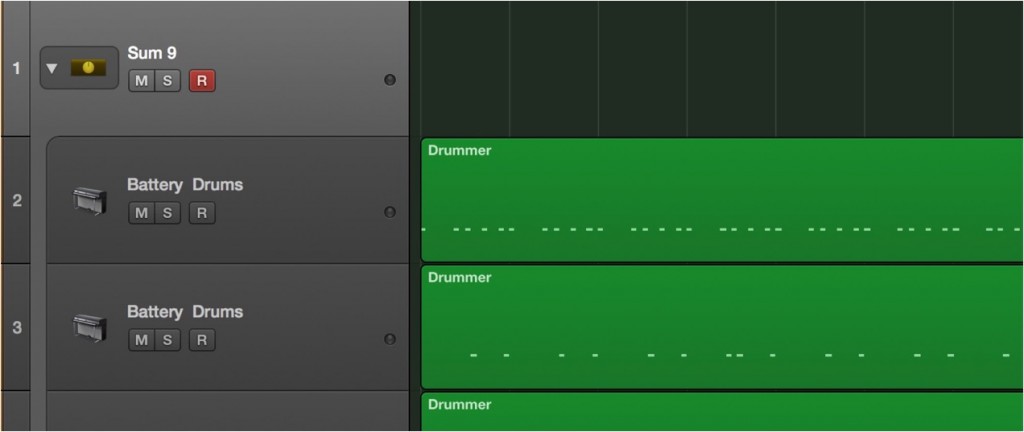
[Track Stack] is the perfect feature for managing the tracks that inevitably multiply as you produce a song.
There are two kinds of Track Stack: "folder stacks" and "summing stacks".
First, please watch this video.
Logic Pro X new features: article index
0_How to download
1_Overview and settings
2_Drummer
3_Flex Pitch
4_Track Stack *This article
5_Smart Control
6_Arrangement Marker
7_How to download Logic Remote
8_Logic Remote in practice
Video point: Creating a folder stack
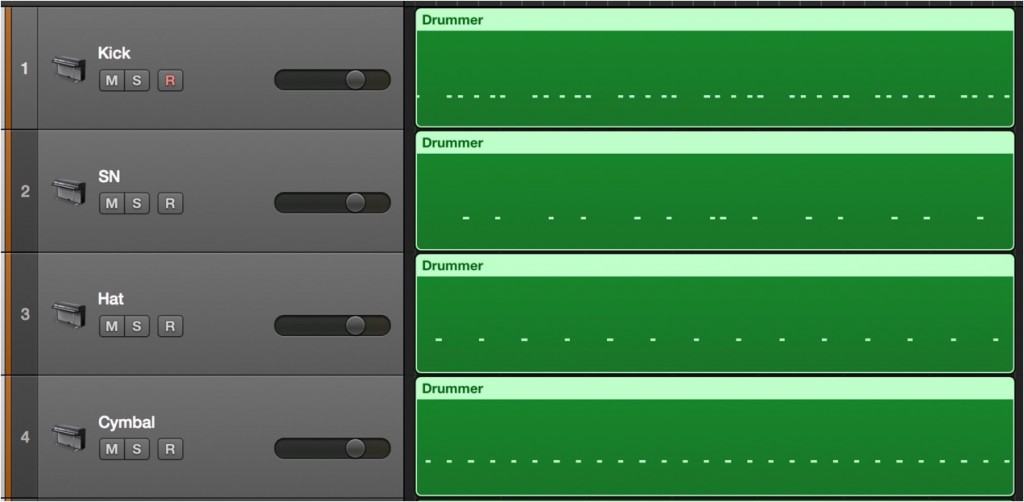
If you want to group drum tracks,
select multiple tracks with "Shift + click".

Select "right-click" → "Create Track Stack".
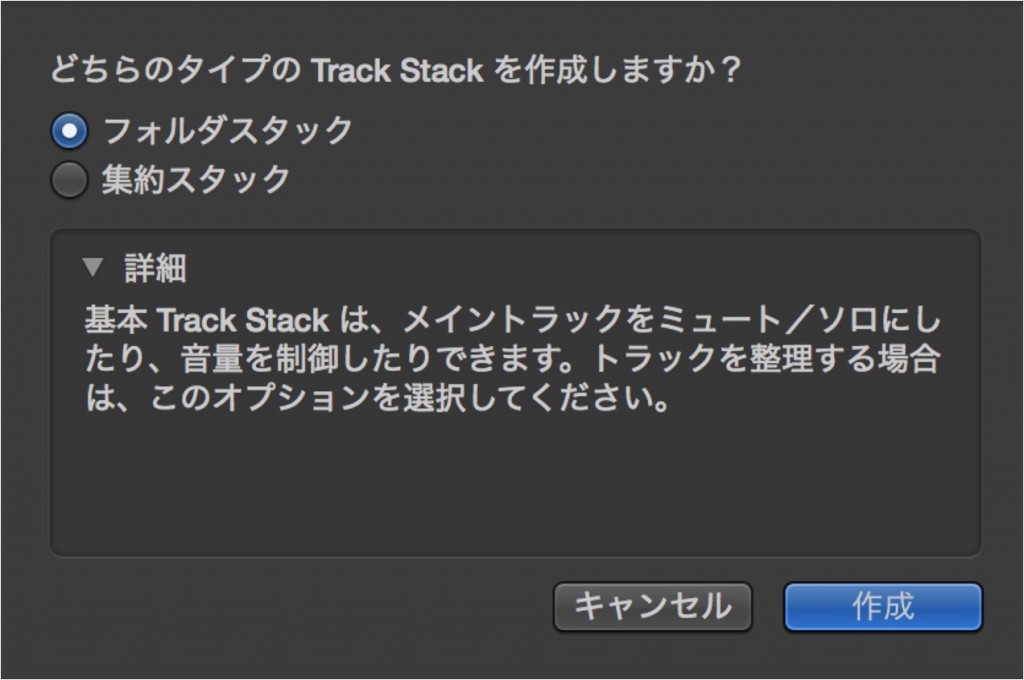
Select "Folder Stack" and click "Create".
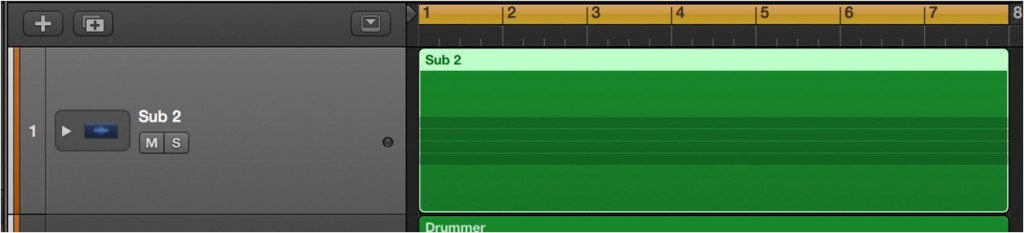
The multiple drum tracks are now grouped into one.
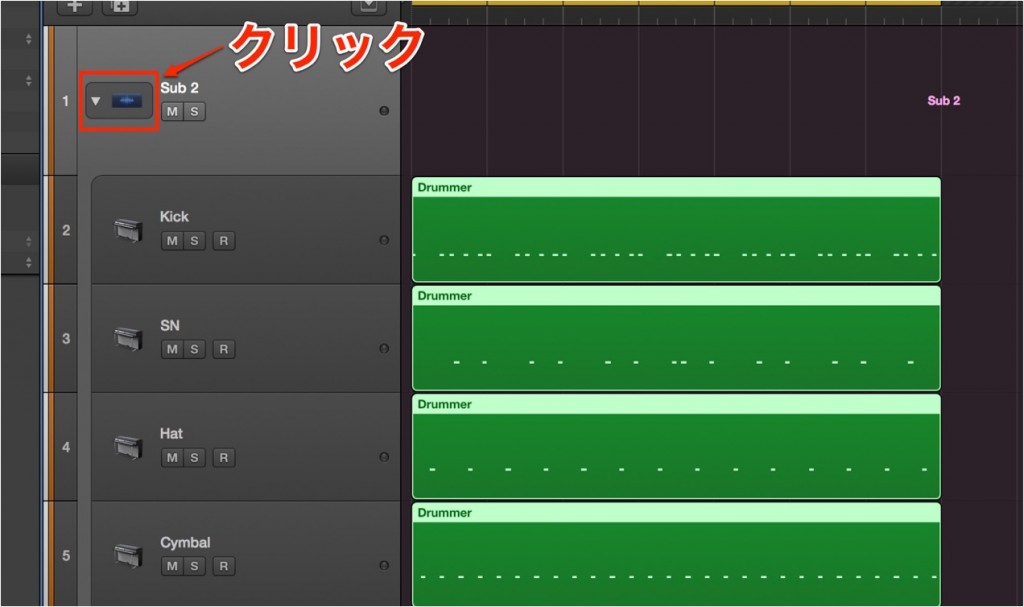
Click the "▷" button to show the drum tracks.
You can now "Solo/Mute/adjust Volume" for the "folder stack".
Video point: Creating a summing stack
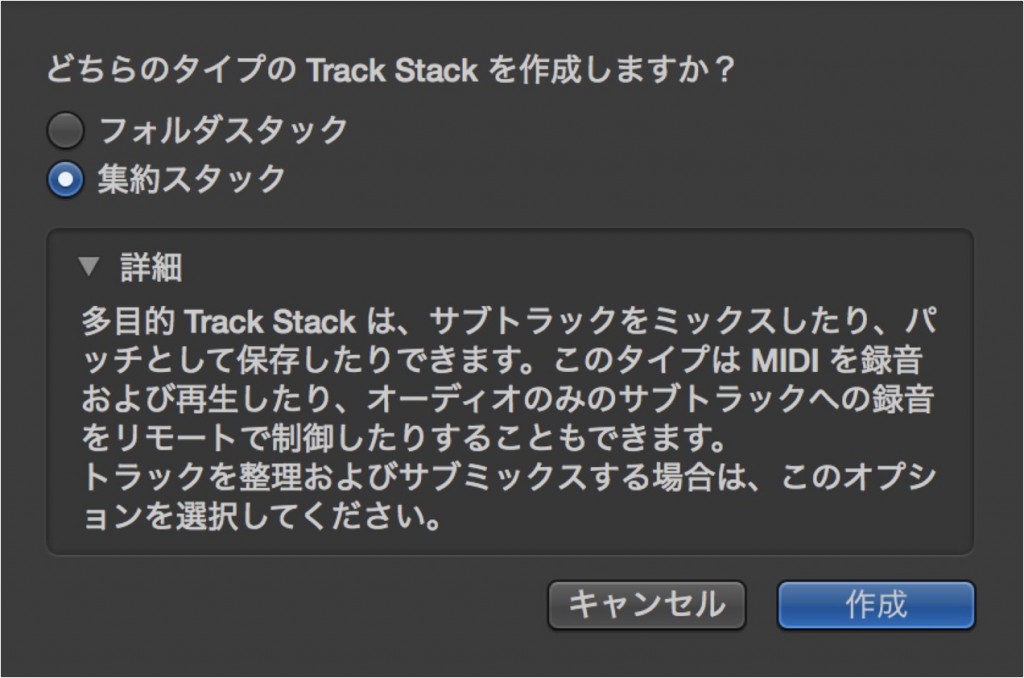
This time, let's group the guitar tracks into a "summing stack".
Select multiple tracks with "Shift + click" → "right-click" → "Create Track Stack".
Where you selected folder stack earlier, select summing stack.
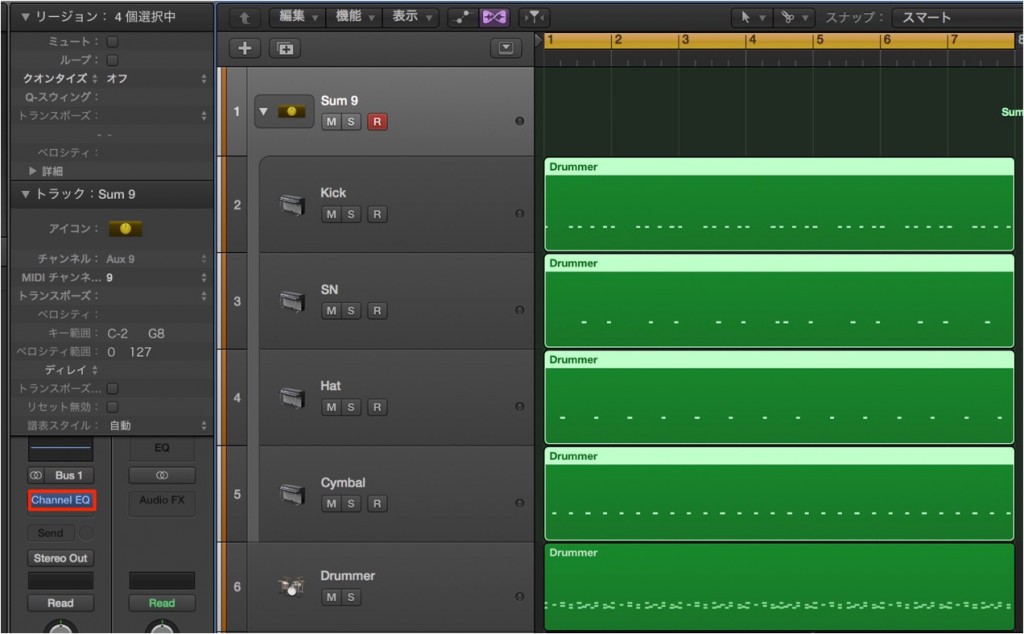
In addition to "Solo/Mute/Volume adjustment", a "summing stack" offers "recording/monitoring" functions,
and you can also apply "effects" to the summing stack as shown in the image below.
You could group backing vocal tracks into a summing stack and apply EQ and compression,
and use it in many other ways.
Video point: "Layering" with summing stacks
Here is a more advanced way to use summing stacks.
Prepare several MIDI tracks and group them into a summing stack.
Press the "Rec" button and record, and...
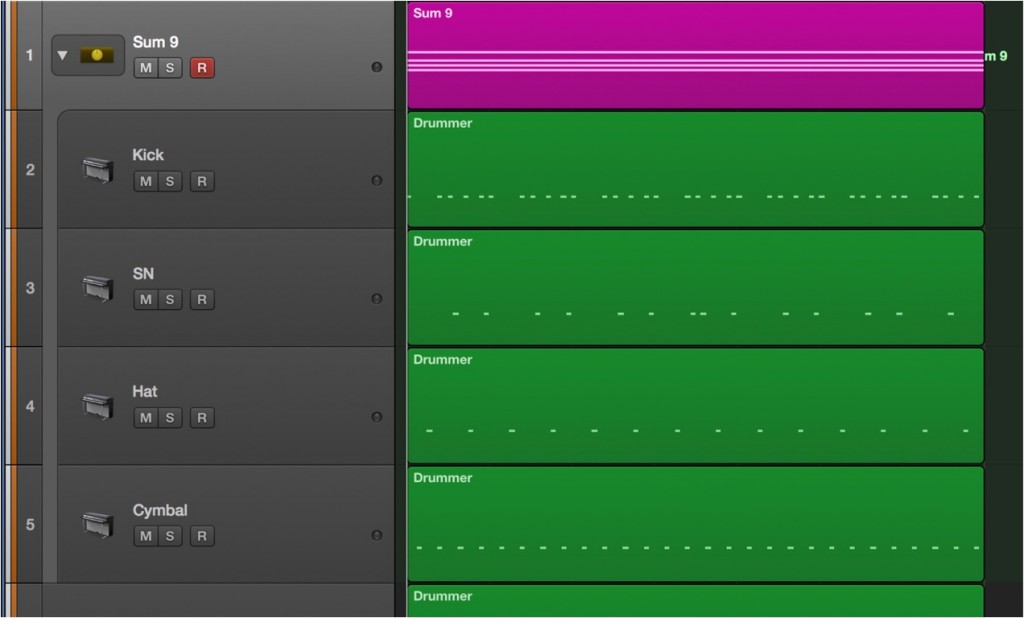
Everything is recorded with all the sounds playing at once.
Please experiment with different sounds yourself.

Frequently Asked Questions
Q1. What is the difference between a "folder stack" and a "summing stack" in Logic Pro X's Track Stack?
A folder stack is a tool for organizing and displaying tracks, and lets you solo, mute and adjust volume. A summing stack supports these functions plus effects processing and recording/monitoring, allowing more advanced audio processing.
Q2. How do I group drum tracks using Track Stack?
Select multiple drum tracks with Shift+click, choose "Create Track Stack" from the right-click menu and select "Folder Stack". The tracks are grouped into one, and you can expand and collapse them with the "▷" button.
Q3. Can I apply EQ or a compressor to a summing stack?
Yes. Summing stacks support effects processing, so you can apply EQ, compressors and so on directly. You can group backing vocal tracks into a summing stack and process them together.
NEW ARTICLES
Latest English Articles











